
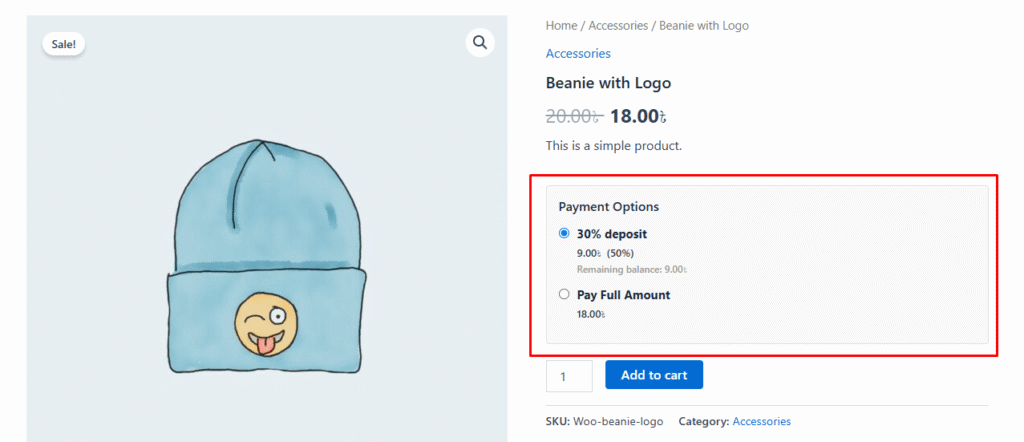
After configuring the plugin and creating a deposit rule, customers can choose their preferred payment option when purchasing a product.
During checkout, customers can select either:
- Full Payment – Pay the total product price.
- Deposit Payment – Pay the deposit amount based on the assigned deposit rule.
If Deposit Payment is selected, the payable amount is automatically calculated according to the configured Percentage, Fixed Amount, or Payment Plan rule.
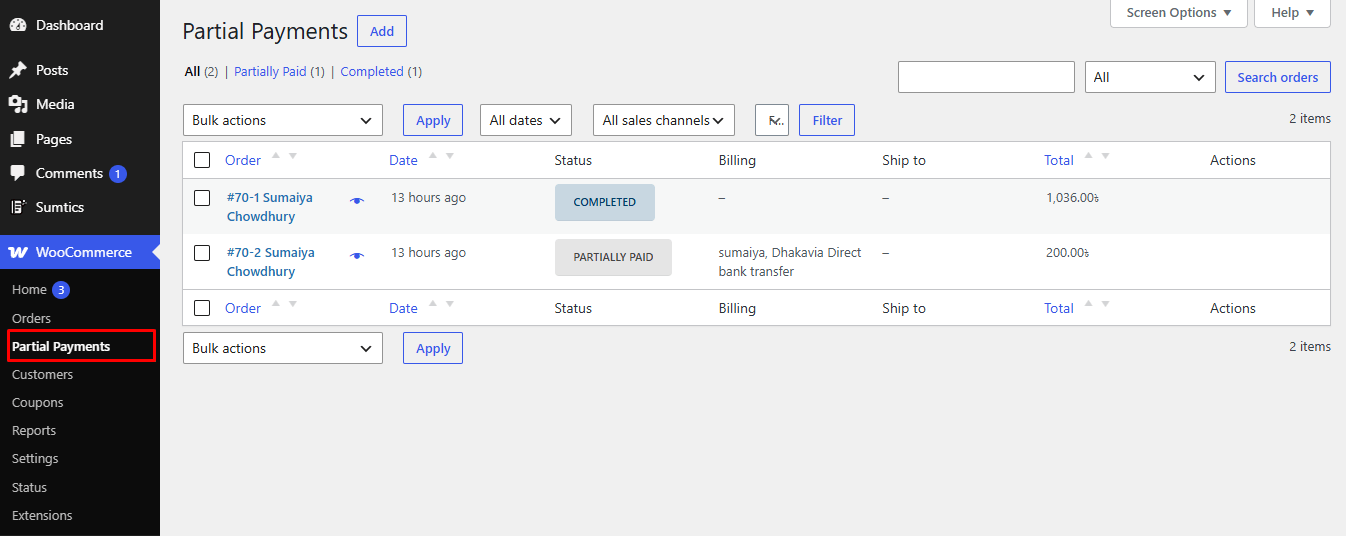
All deposit orders are automatically recorded under WooCommerce → Partial Payments, where you can:
- View all deposit and partial payment orders.
- Track the remaining balance.
- Monitor payment status.
- Manage customer deposit payments.
Note: If Force Deposit is enabled in the deposit rule, customers will only be able to pay using the deposit


